

Buying crypto with a credit card is one of the fastest ways to get started in South Africa. Instead of waiting for an EFT to clear, you can use a South African Visa or Mastercard to buy Bitcoin, Ethereum, Solana and many other assets on VALR within minutes.
VALR supports card payments through Payfast. You can either buy crypto directly with your card or deposit ZAR into your wallet first and then trade. Both options are designed for local cards and usually credit your account quickly once the payment is approved.
What You Need Before You Start
VALR currently accepts South African-issued Visa and Mastercard credit or debit cards. The card must be 3D Secure enabled. There is a daily card limit, which is shown on the deposit or buy screen, so check that figure before you pay. A processing fee of 3.9% applies to card deposits.
Use a card in your own name that matches your verified VALR profile. If a payment fails, the funds should return to your card once the bank’s authorisation hold expires.
How to Buy Crypto with a Credit Card in South Africa in 3 Simple Steps
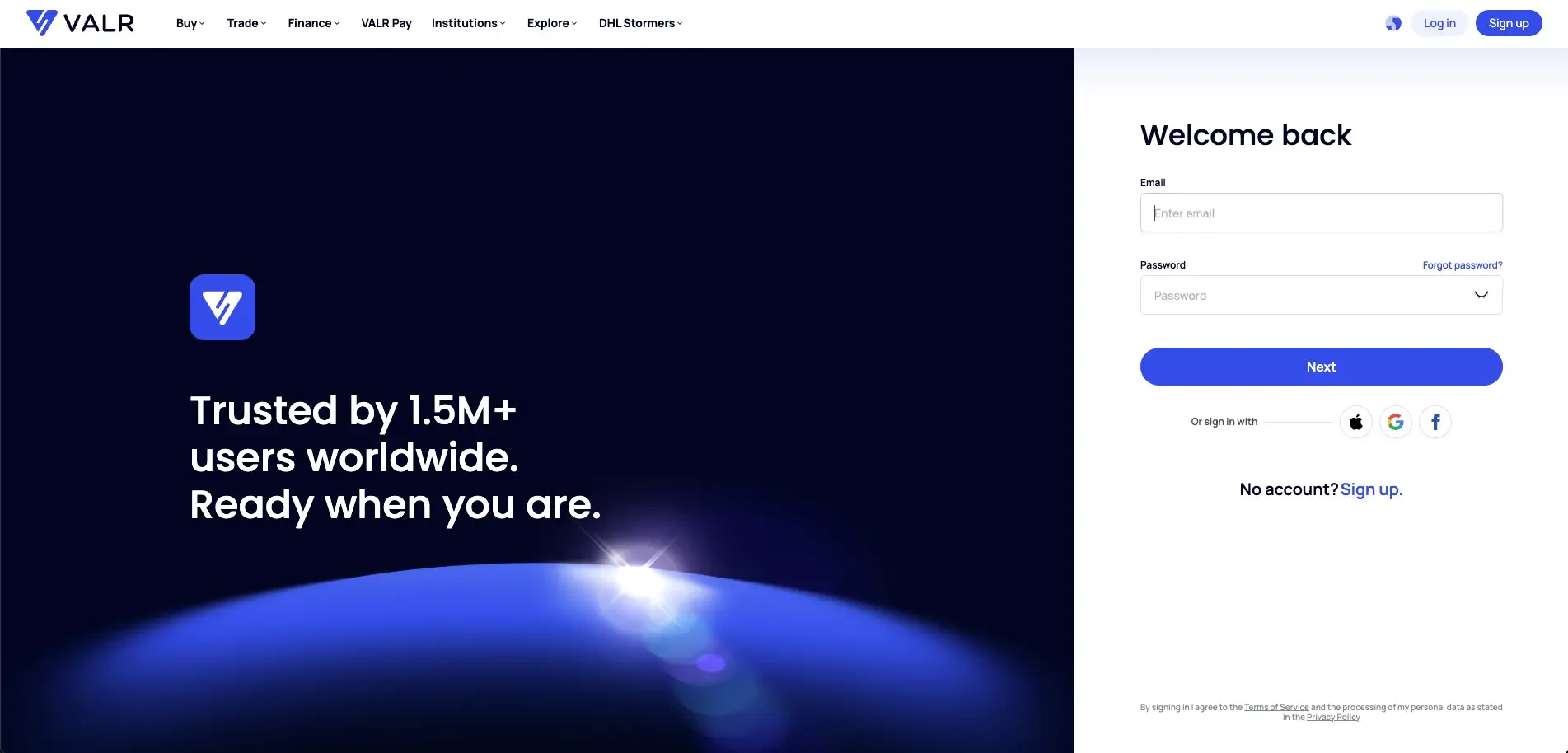
Step 1: Log into Your VALR Account
Start by signing into your VALR account through the website or the VALR app. If you don’t have a VALR account, you can create one here. The verification process is quick and straightforward, taking only a few minutes.
Step 2: Choose Direct Buy or Card Deposit
There are two ways to use your card.
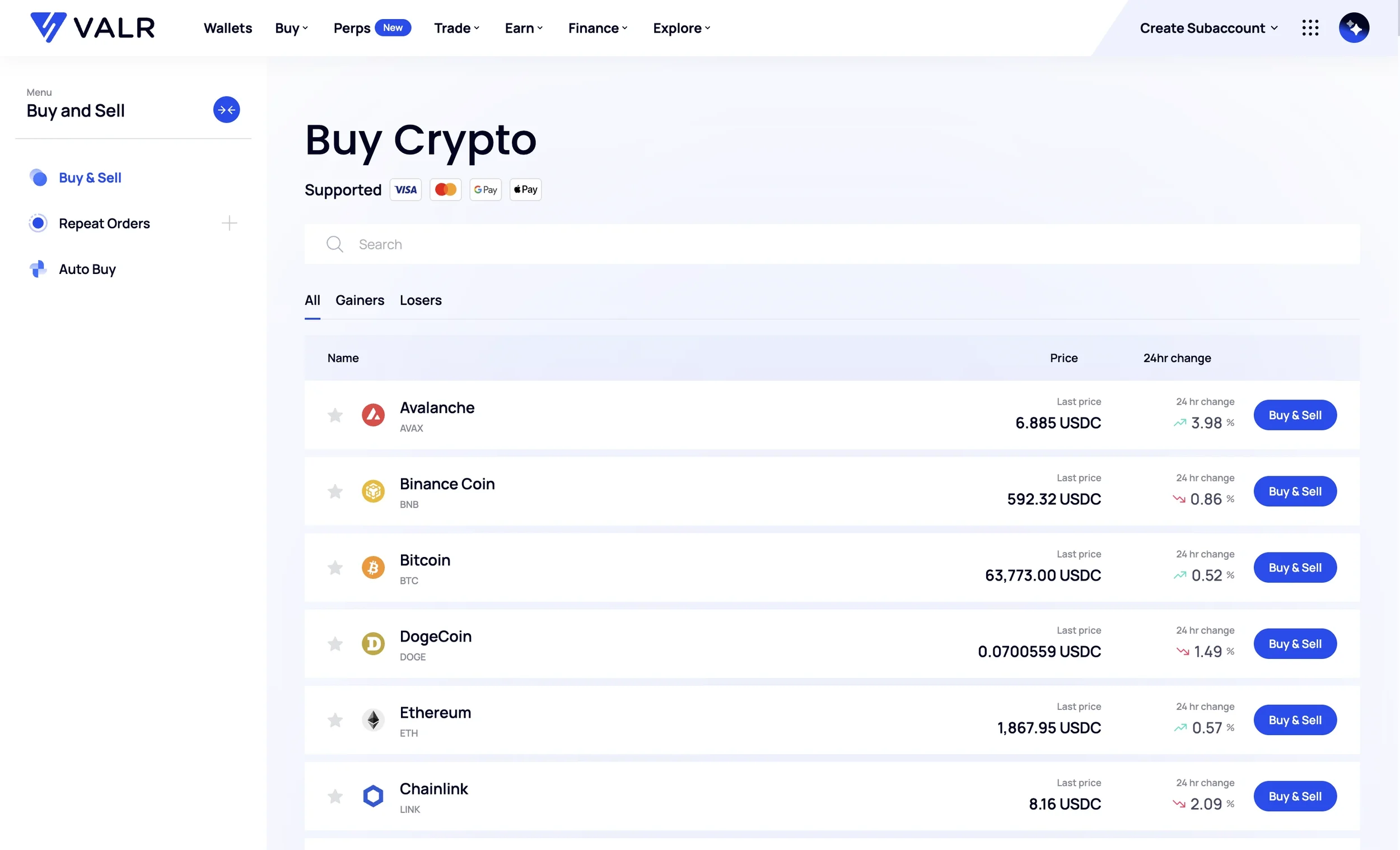
To buy crypto immediately, go to Buy Crypto or Buy/Sell. Select the cryptocurrency you want, choose Credit Card as the payment method, enter the amount, select Payfast as the provider and review the order. Add a new card or use a saved one, then follow the Payfast instructions and complete 3D Secure authentication. Your purchased crypto should land in your VALR wallet within a few seconds.
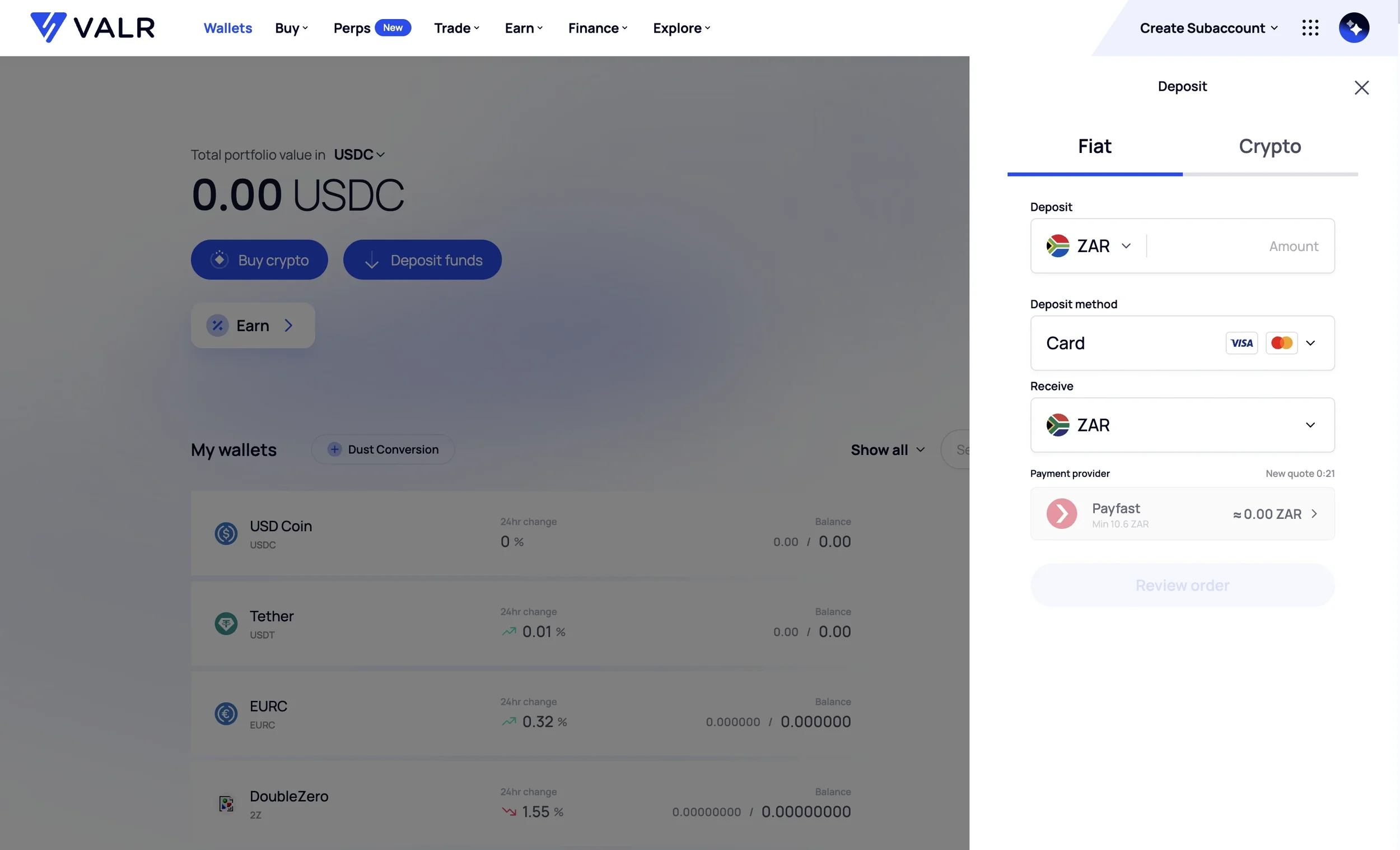
To deposit ZAR first, go to your ZAR Wallet and select Deposit. Choose the card option, enter the amount and complete the payment when redirected. Make sure you stay on the official PayGate URL: https://secure.paygate.co.za/PayHost/process.trans. After 3D Secure authentication, the rands should reflect in your VALR account and can then be used to buy crypto.
Step 3: Buy Crypto on VALR
Once the crypto or ZAR is in your wallet, you can hold it, sell it later, or trade on the VALR Exchange. For regular purchases, you can also set up Repeat Orders after funding your account.
If you prefer lower fees for larger amounts, EFT bank transfers on VALR are typically free. Cards are best when you want speed rather than the lowest cost.
Tips for a Smooth Card Purchase
Use a 3D Secure South African Visa or Mastercard in your own name. Review the quote, including the 3.9% processing fee, before you confirm. Keep the daily card limit in mind and start with a smaller test payment if this is your first card deposit. If the transaction does not appear after a reasonable time, contact VALR support with your proof of payment.
Ready to get started? Log into VALR or create an account today to buy crypto easily and securely in South Africa with a credit card.
Risk Disclosure
Trading or investing in crypto assets is risky and may result in the loss of capital as the value may fluctuate. VALR (Pty) Ltd is a licensed financial services provider (FSP #53308).
Disclaimer: Views expressed in this article are the personal views of the author and should not form the basis for making investment decisions, nor be construed as a recommendation or advice to engage in investment transactions.
