
How to Buy Crypto with Mixx on VALR

Mixx now works on VALR. That means Bitcoin, USDT, USDC, tokenised gold, and hundreds of other assets - no bank account required.
Open VALR. Tap Mobile Money. Buy Crypto.
Here's a step-by-step guide on how you can buy crypto with Mixx using VALR:
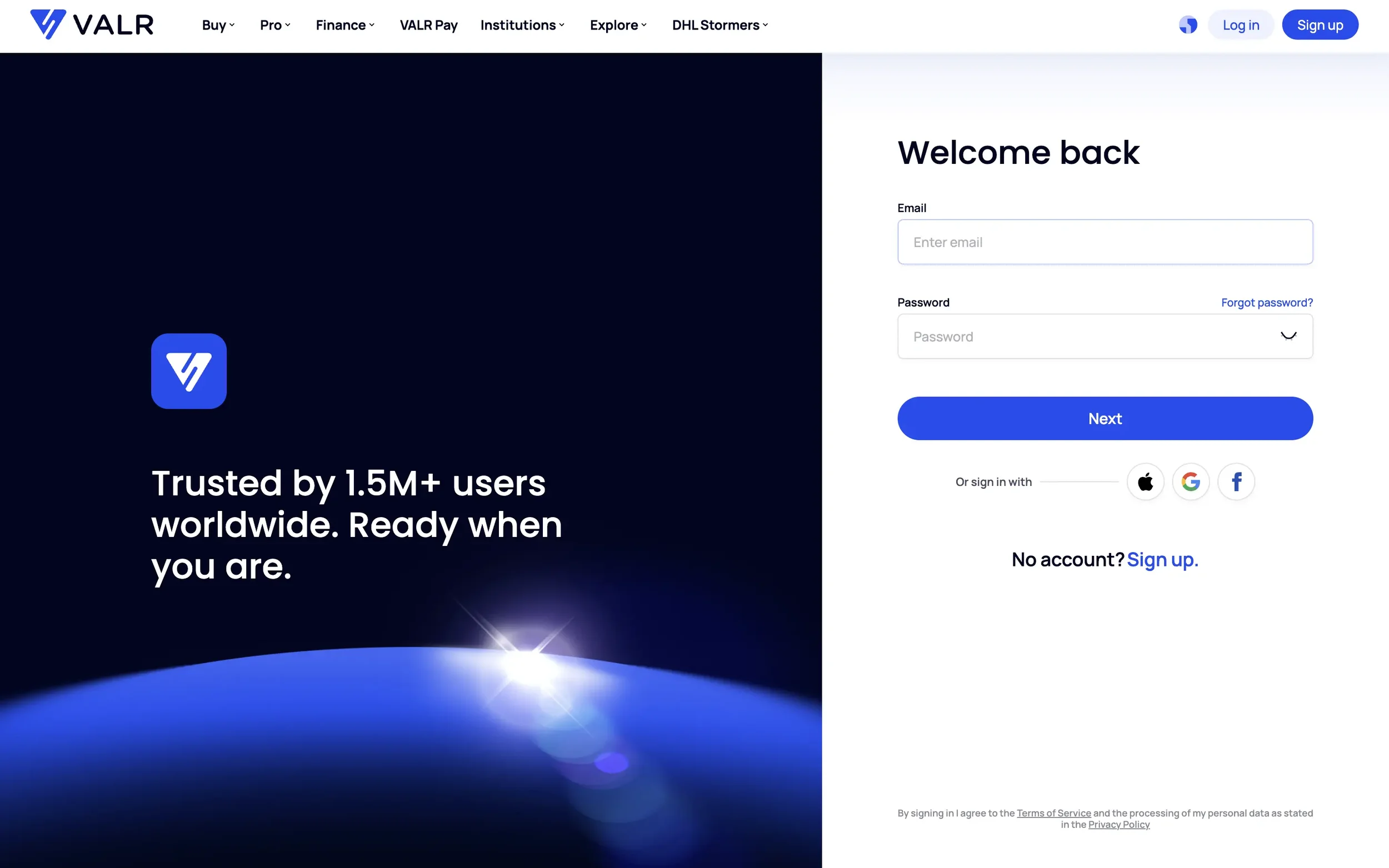
Step 1: Log into Your VALR Account
To get started, sign into your account by heading to VALR's website or opening the VALR app on your phone. If you don't have a VALR account, you can create one here. The verification process is straightforward and only takes a few minutes.
Step 2: Fund Your VALR Account
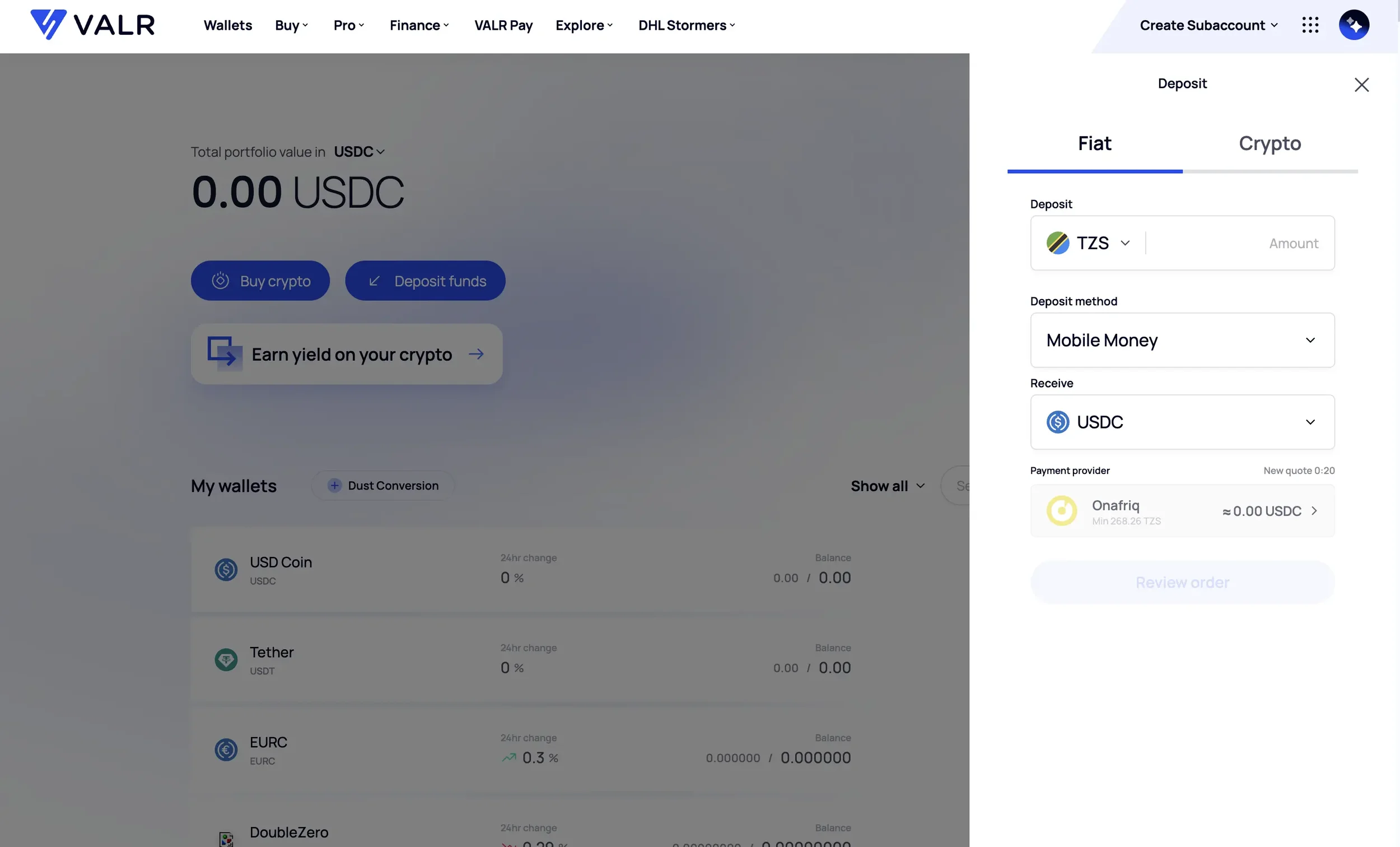
Next, deposit fiat to your VALR account. This can be done using Mixx and will allow you to buy a selected stablecoin with fiat. Your deposit will be credited in your selected stablecoin (USDC, USDT, or EURC), which you can then use to trade, earn, or convert into other crypto assets.
Step 3: Place the Order
After your selected stablecoin has been credited to your account, you can use your new balance to buy any crypto on VALR. You can purchase crypto in two ways:
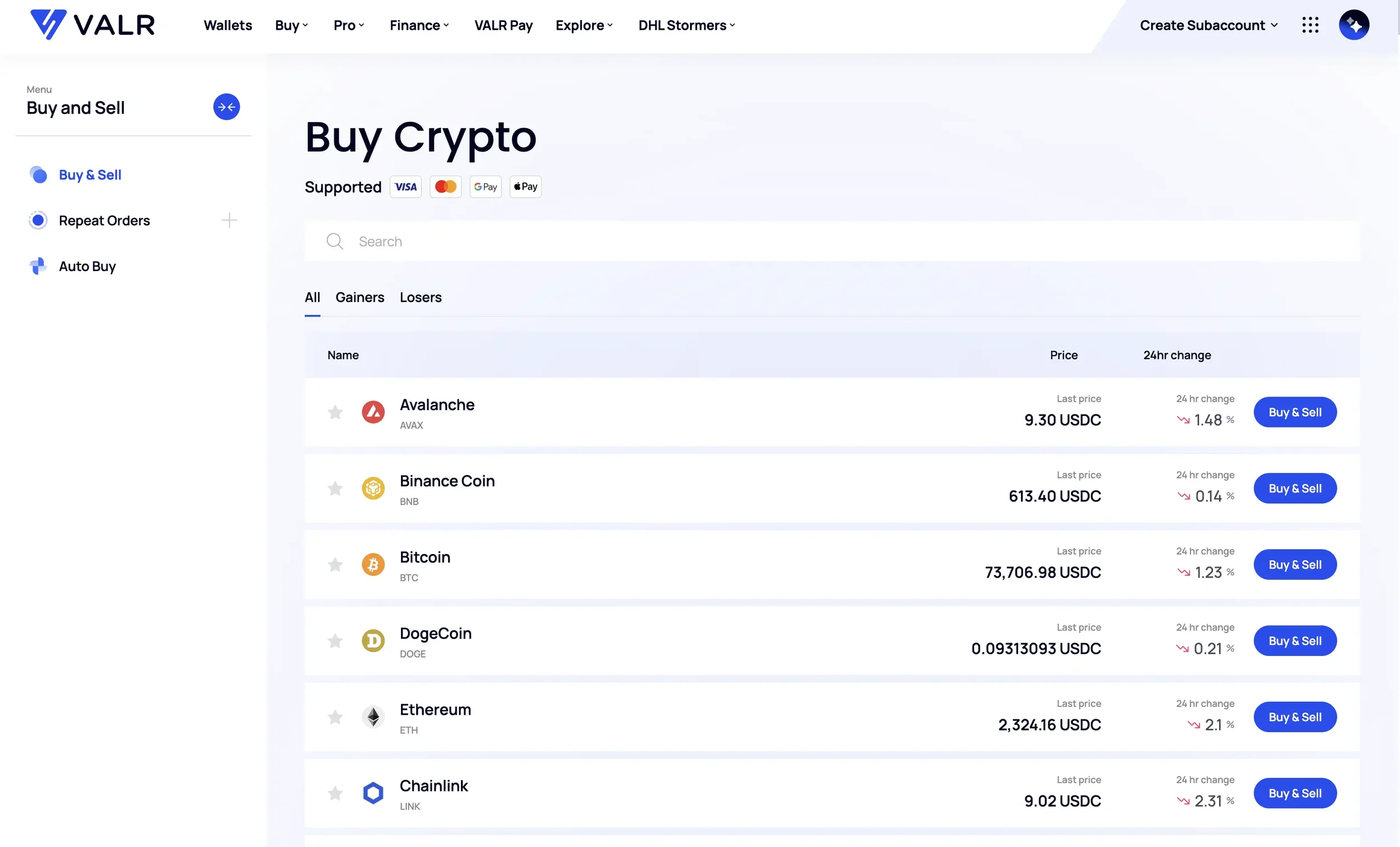
1. Via the Simple Buy/Sell service: Select "Buy/Sell" on the website or in the app and click the "Buy" button next to the crypto of your choice. Choose USDC, USDT, or EURC as the currency to pay with, specify the amount of crypto to purchase, and finalise the trade.
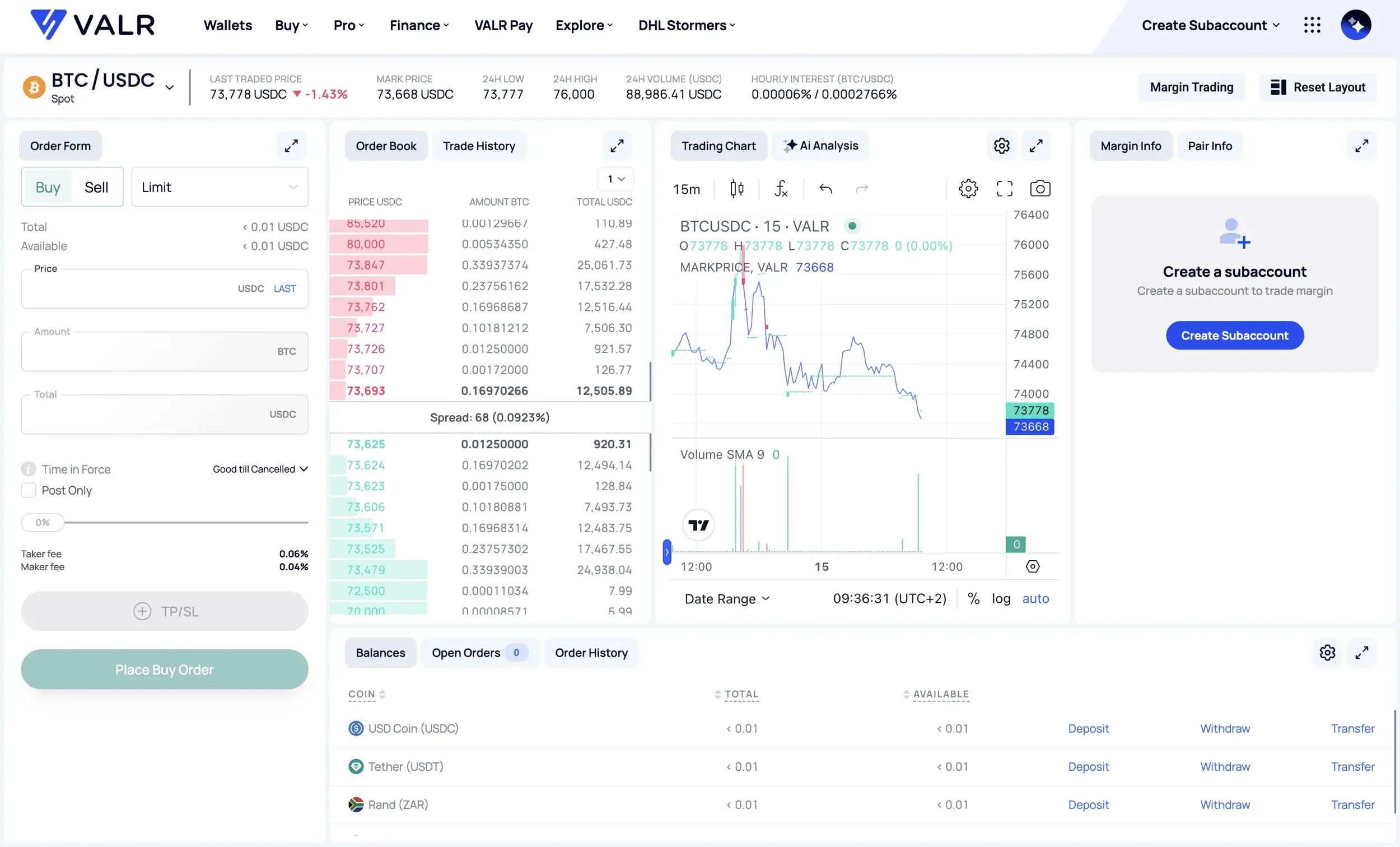
2. Via Pro Trading: Select the crypto pair from the "Pro Trading" menu. Unlike the Simple Buy/Sell service, Pro Trading allows you to set custom order parameters, such as the type of order (Limit, Market, Stop-Limit), the Limit price, and the time in force. After providing these details, as well as the amount of crypto to buy, click "Place Buy Order" to complete the transaction.
Mixx deposits are available on VALR in Tanzania.
Risk Disclosure
Trading or investing in crypto assets is risky and may result in the loss of capital as the value may fluctuate. VALR (Pty) Ltd is a licensed financial services provider (FSP #53308).
